At a glance
One canvas for the whole year.
Every month stays in view, so you can understand spacing, overlap, and momentum without drilling in and out of separate screens.
Yearly for macOS
Yearly gives you a full year at a glance, so holidays, travel, rotations, deadlines, and family plans stay visible at once instead of getting buried month by month.
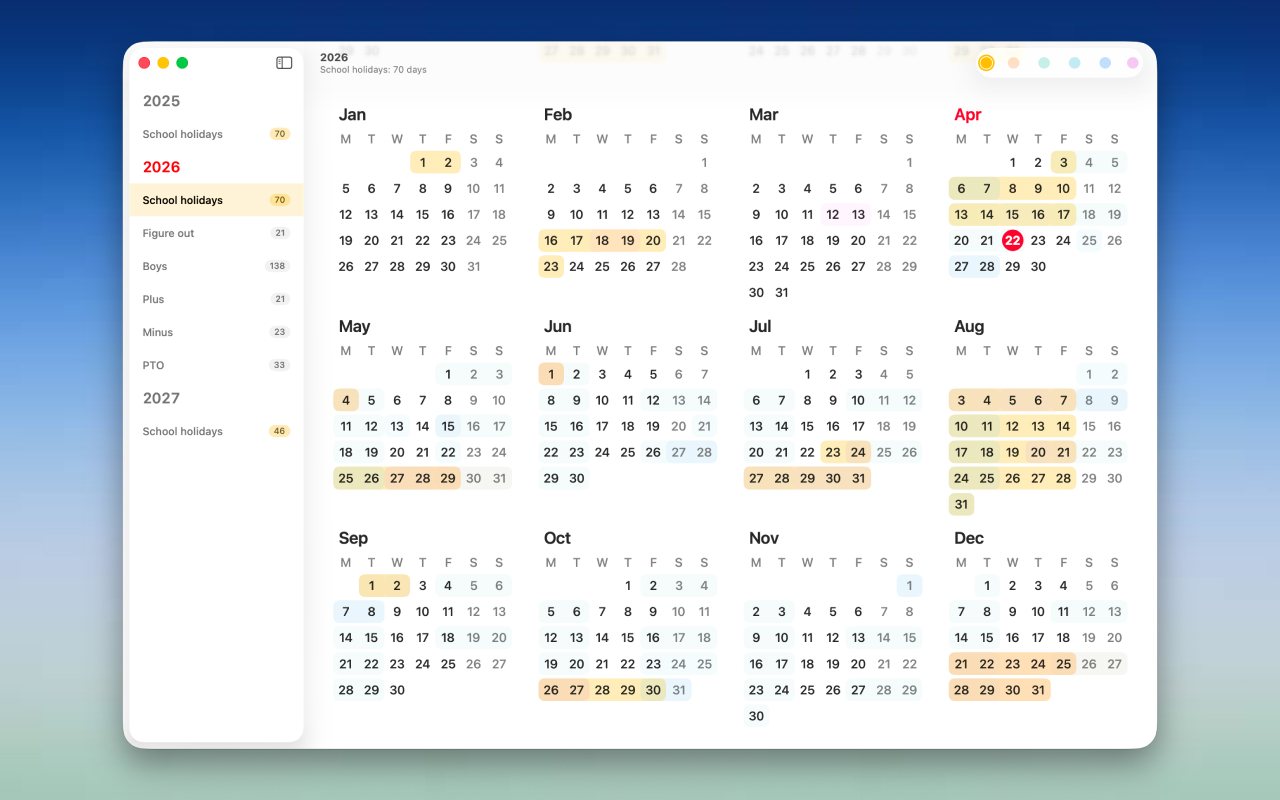
Create color-coded ranges, organise them into clear lists, and keep your plan close at hand with a layout that feels native on the Mac.
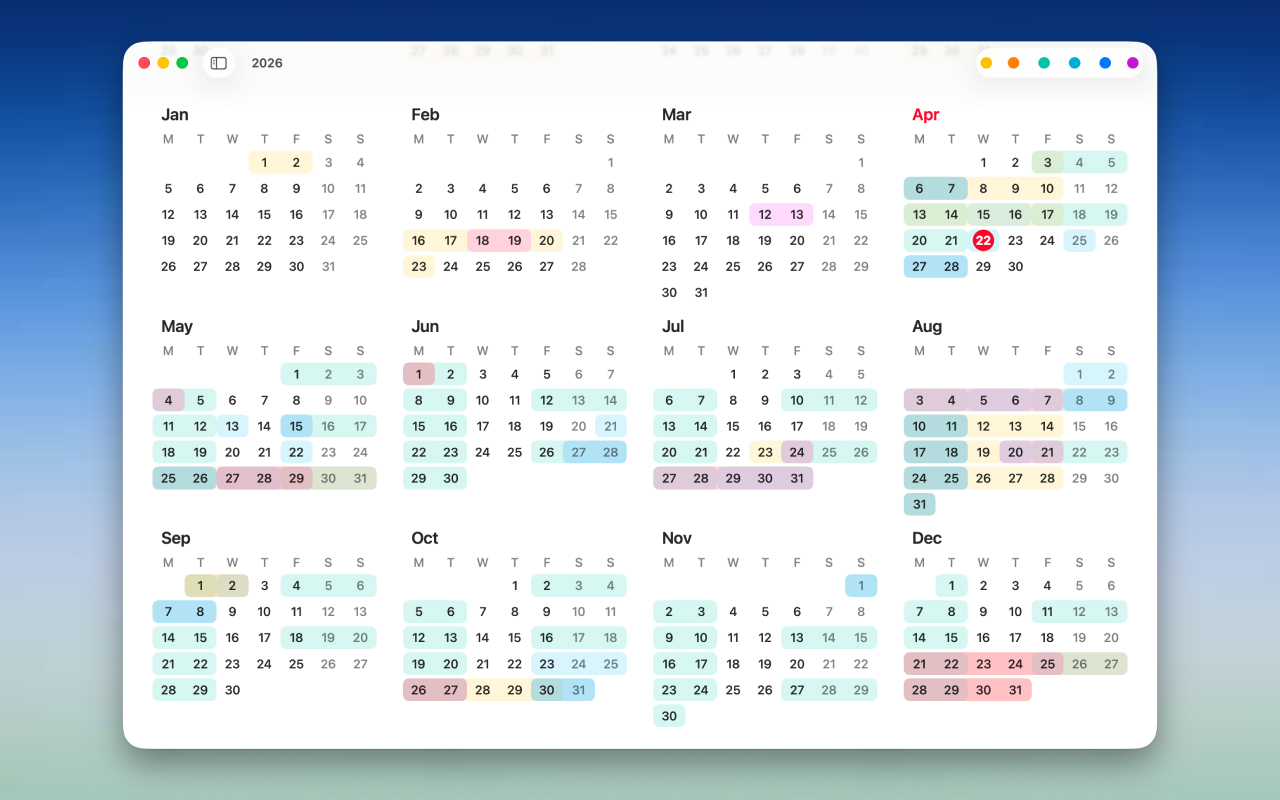
Yearly is built for the kind of planning that does not fit neatly inside a single week. School breaks, custody schedules, annual leave, seasonal work, renovation windows, training blocks, shared calendars, and the long stretches of life that need room to breathe all make more sense when you can see the whole year.
At a glance
Every month stays in view, so you can understand spacing, overlap, and momentum without drilling in and out of separate screens.
Flexible ranges
Use color to map periods, trips, terms, projects, or routines, then scan the shape of your year in seconds.
Native structure
The sidebar makes it easy to separate contexts while keeping the main calendar focused and calm.
Demo
Interface
Privacy
Yearly stores your information on your device. If iCloud is available and enabled, it can sync through Apple services so your data stays in step across devices without third-party analytics, ads, or tracking.